If you have questions about your retirement finances, this is the app to answer them.
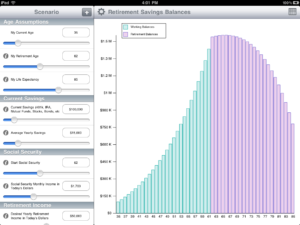
In just a few seconds you can enter your data and assumptions and the graph will update to show you if your plan will work. If you have more time to spend you can enter as much detail as you want to refine your plan.
Sliders
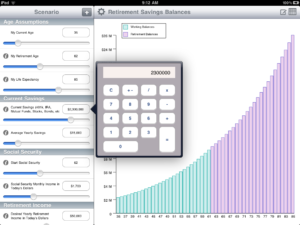
The sliders give you an easy way to see what different values will do to your plan. Need to enter a value outside the slider range? press the amount and a calculator will pop up to let you enter whatever number you need. The slider range will update automatically.
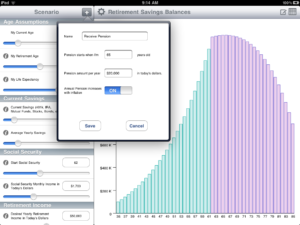
Use the + button to add a pension, send a child to college, large upcoming expenses, add additional rates of return and retirement income assumptions.
Set Annual Rate of Return to different values at different ages so you can model aggressive investing in your youth and increasingly conservative investing as your near and enter retirement.
Set Retirement Income to different values at different ages because your likely to be more active in the early years of your retirement than the later ones.
Specify the Cost of Living Allowance increase for your Pension.
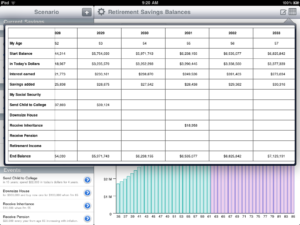
Bring up the spreadsheet to see all the details for every year of the plan.
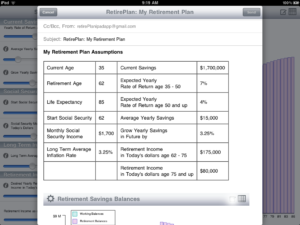
Email your results.
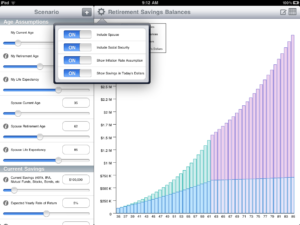
Use the settings to add your spouse, include or remove Social Security, and show or hide inflation and interest rates.